

Every fundraising team is looking for ways to raise more, and most of those searches end at a new tool, a new integration, or a new line in next year's budget.
But what if the greatest unlocked potential was sitting in the platform you already have?
The features below are included in Funraisin out-of-the-box, ready to go the moment you turn them on. No new spend, no new contract, no tiers to upgrade into.
Book a demo
Frequently asked questions
Do these features cost extra to switch on?
No. All 15 features are already included in the Funraisin platform for existing partners. There are no tiers, no add-on fees, and no upgrade required to access any of them.
Which feature has the biggest impact on fundraising totals?
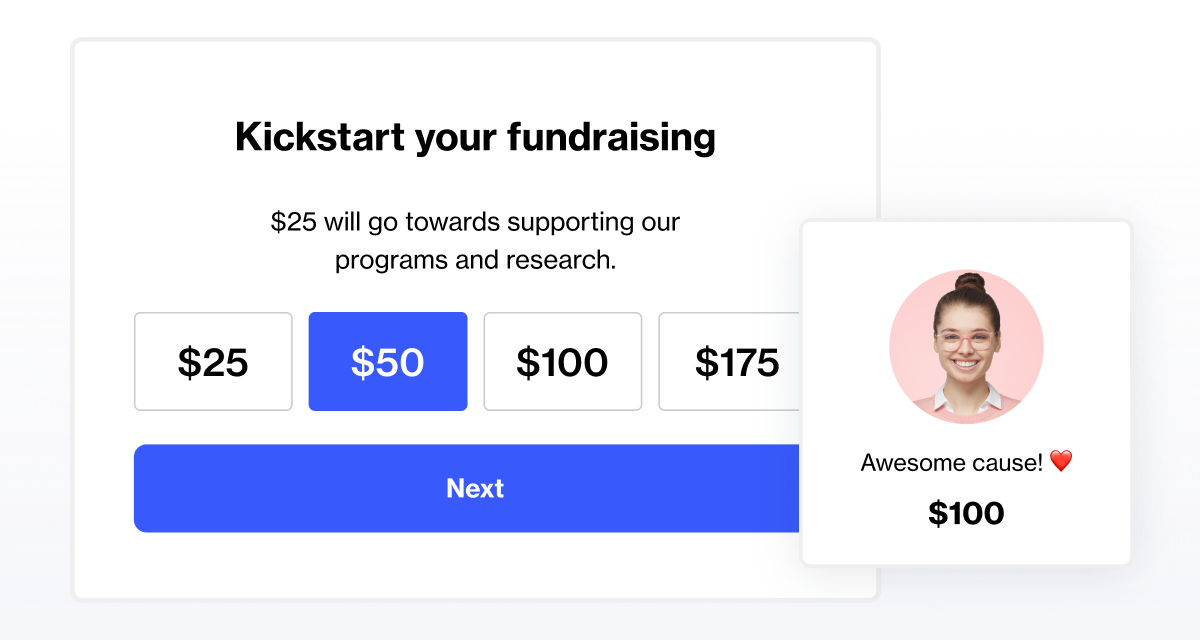
Self-donation shows the strongest link to overall results: fundraisers who donate to their own page go on to raise three times more than those who don't, and about 70% of self-donations happen during registration itself.
Will adding more features slow down registration?
Not if they're sequenced well. Features like next steps are built to move non-essential questions to after registration, since every extra question on the form can reduce conversion by around 2%. Self-donation is the exception, since it does not hurt registration conversion the way other asks can.
How many gamification badges should a campaign use?
A good starting point is six to eight badges per campaign, tied to milestones like uploading a profile picture, logging a first activity, or hitting a fundraising target.
Do we need a developer to make changes to our fundraising pages?
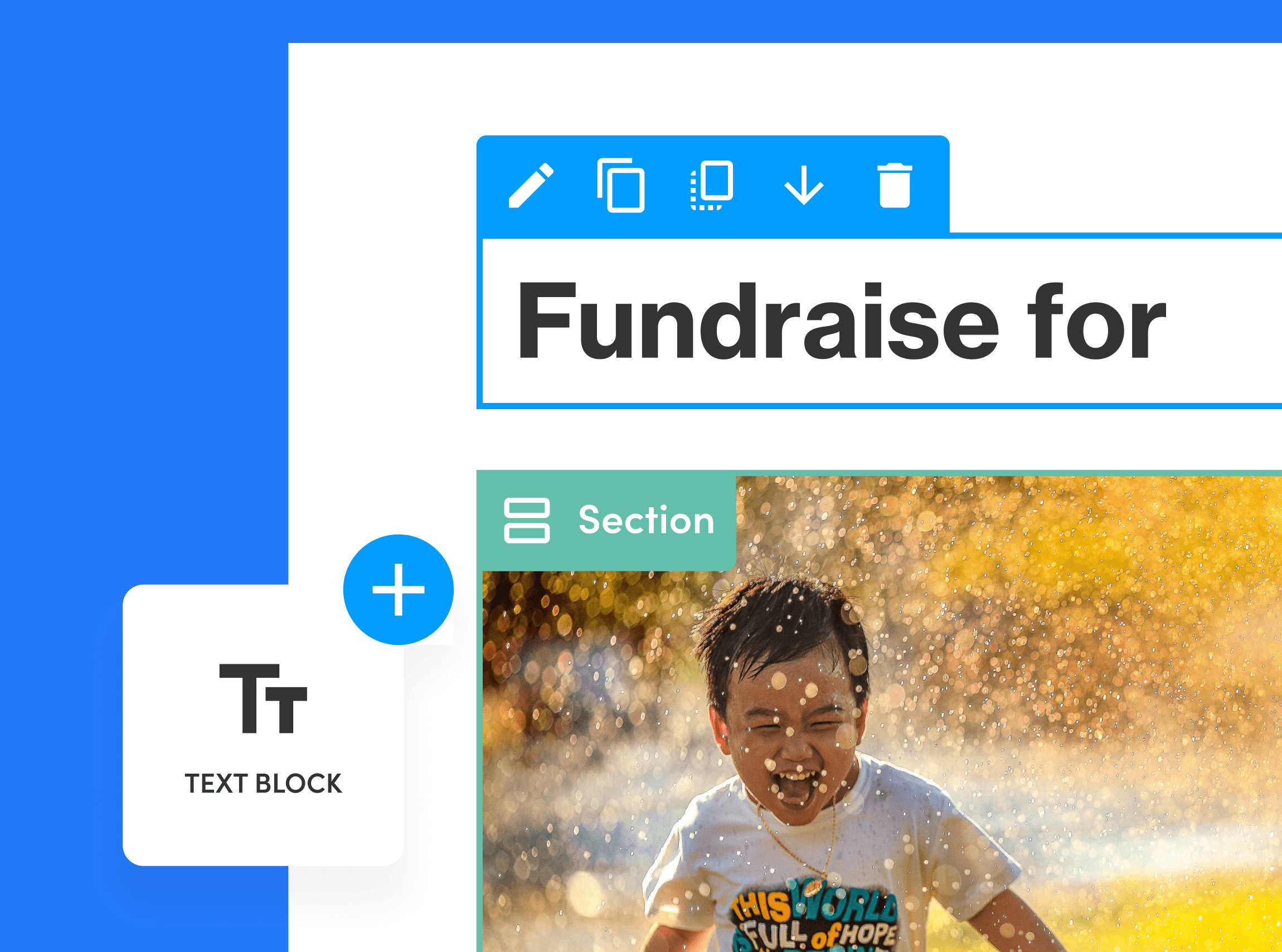
No. Visual Builder lets your team update layouts, change event dates, and redesign pages directly, without writing code or relying on a developer.
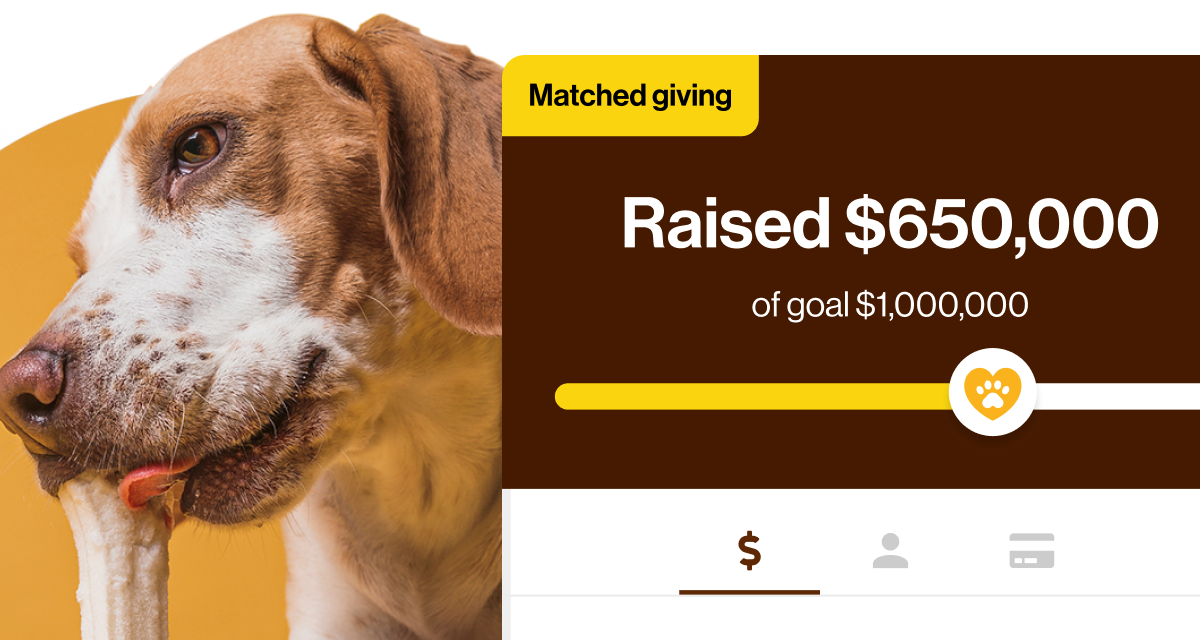
How much budget does matched giving require?
There's no minimum. Charities have used pots as small as a few hundred pounds to double the impact of donations within a set window, with full control over the match ratio and maximum value per gift.
How do we find out which of these features are already switched on for us?
Book a demo with the team and we'll walk through your account together, feature by feature.
See it in your own account
Reading about these features is one thing. Seeing which ones are already live in your account, and which are sitting unused, is a faster way to know where to start.
Book a demo and we'll walk through your account together, show you exactly what's switched on, and map out the order to activate the rest.
